

-
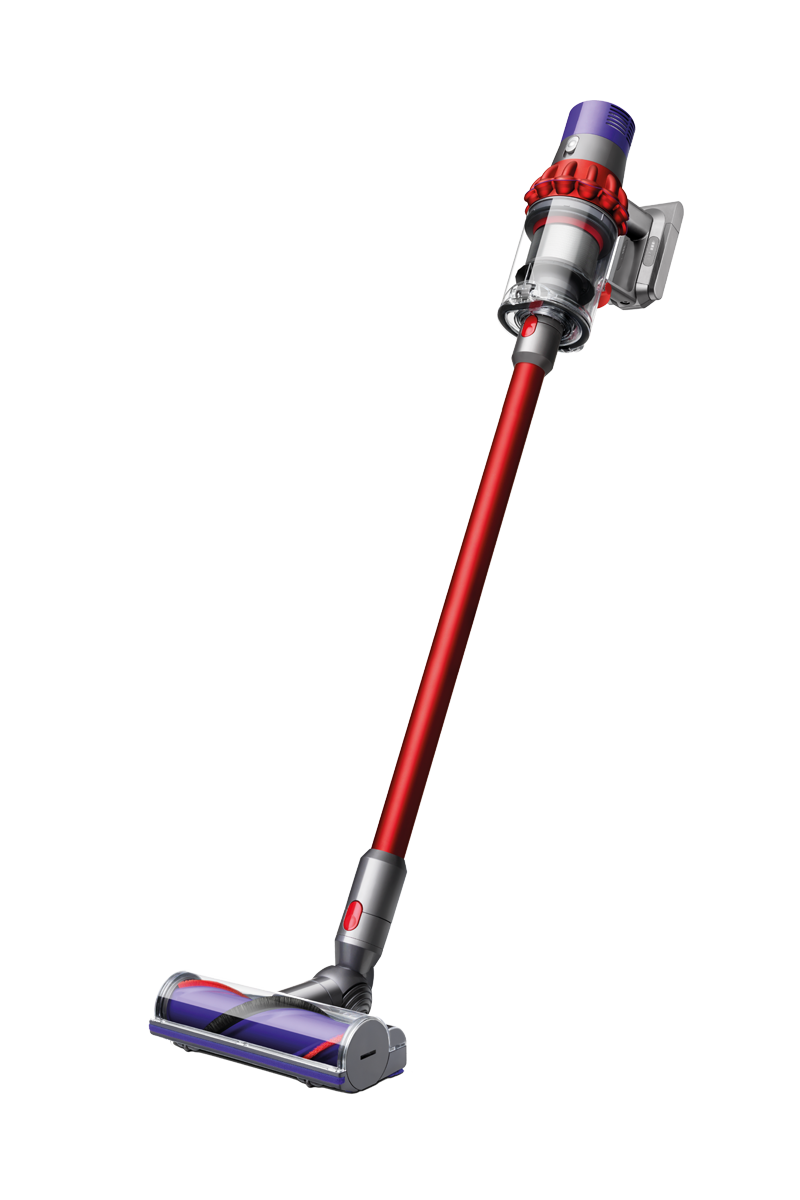
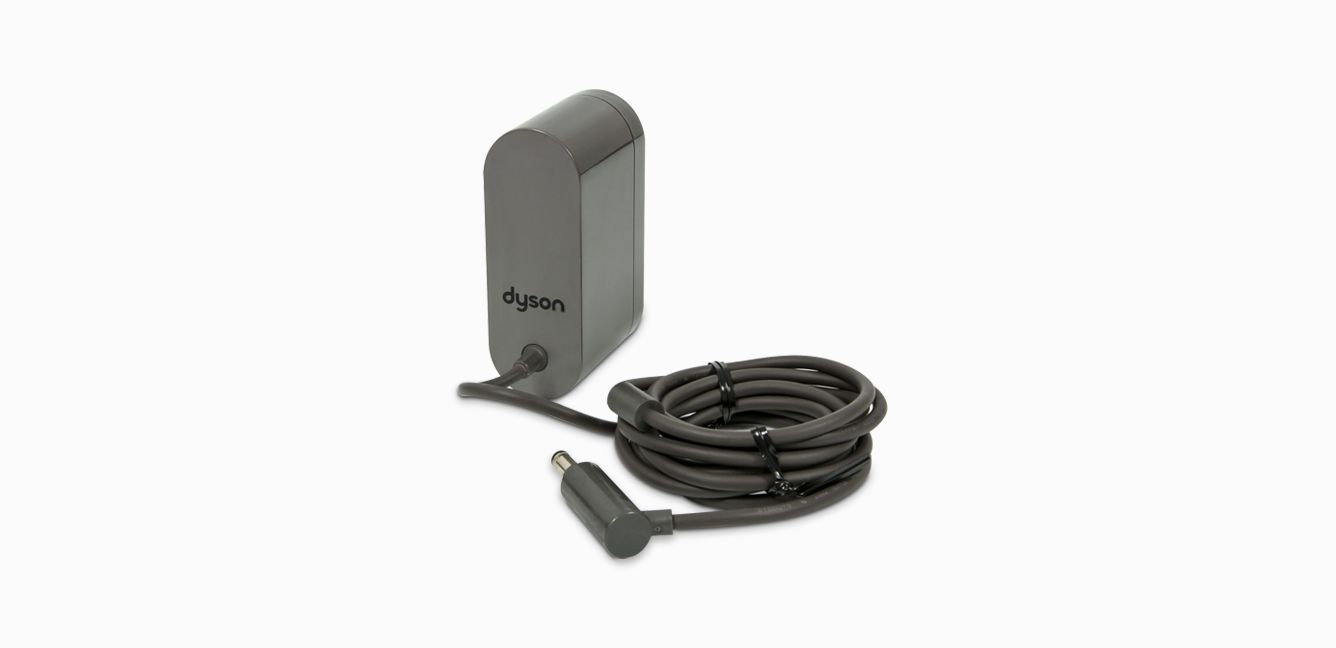
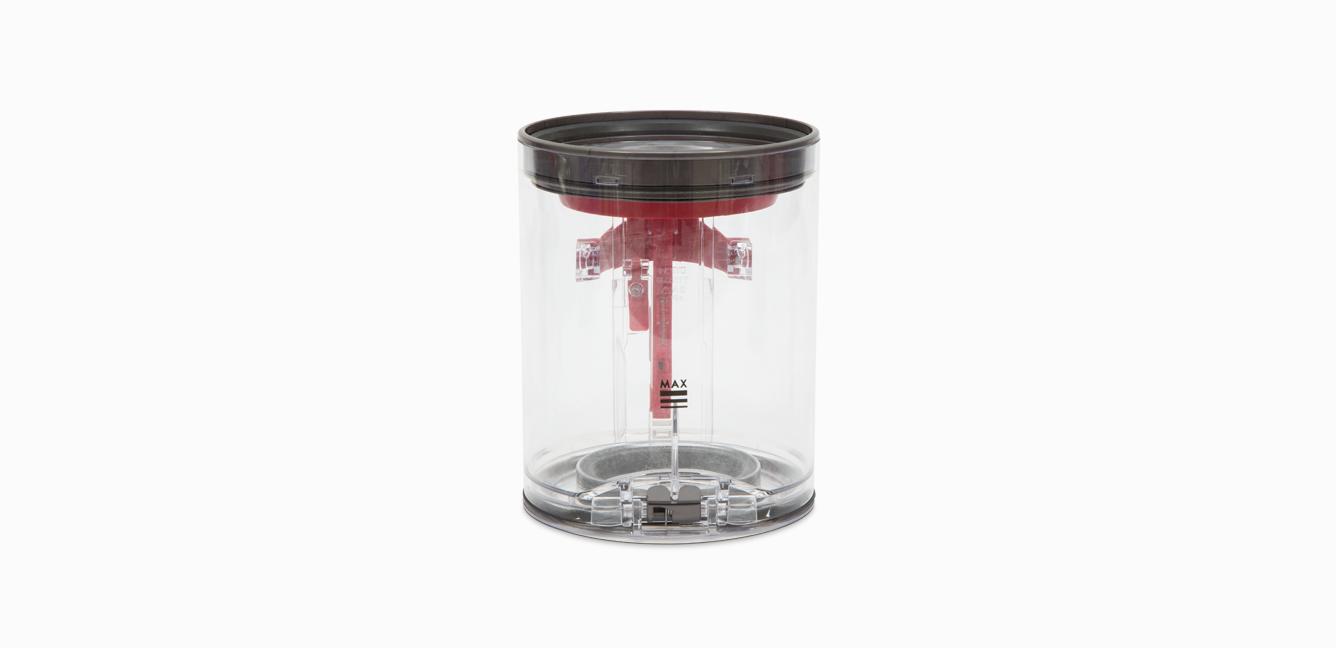
Original-Ersatzteile von Dyson sowie Zubehör für dein Gerät:
-

Dyson Cyclone V10™ Akku
Dyson Cyclone V10™ Akku
Teil Nr. 969352-02
Dyson Cyclone V10™ Ersatzakku zur Verdopplung der Laufzeit oder um einen Akku mit reduzierter Laufzeit zu ersetzen.
80,00 €
-
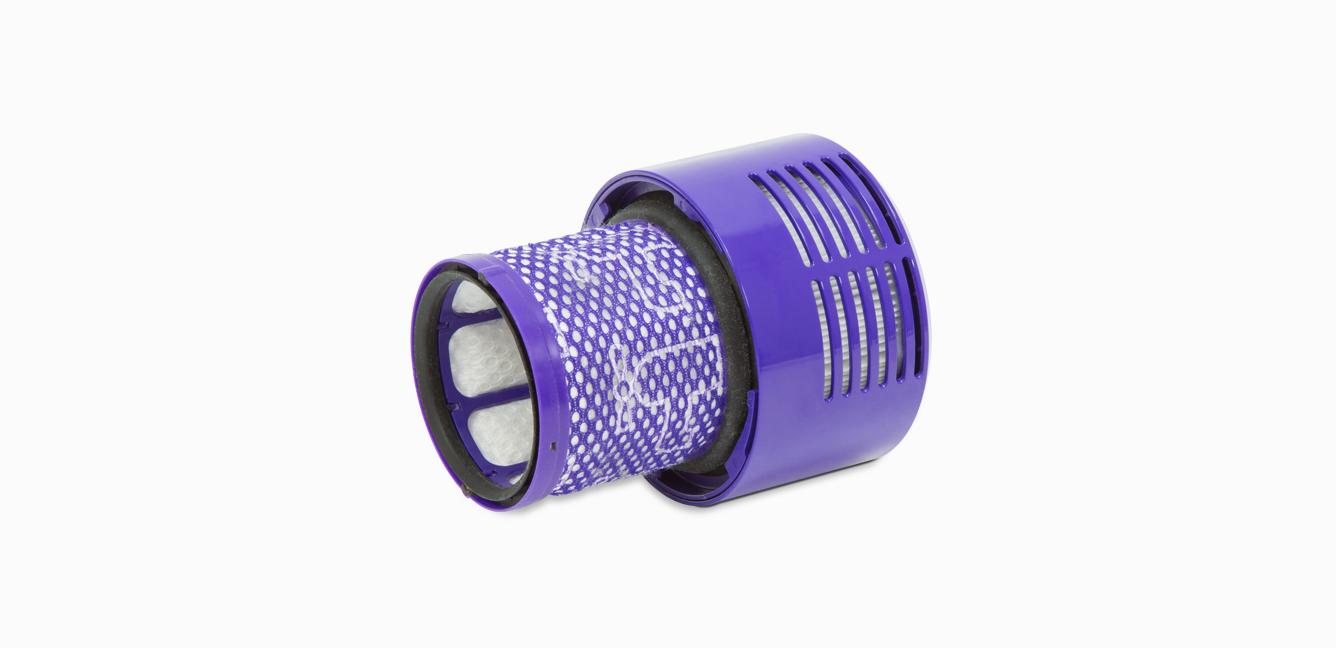
Dyson Staubsaugerfilter
Dyson Staubsaugerfilter
Teil Nr. 969082-01
Kompatibel mit dem Dyson V10ᵀᴹ.
Ersatzfilter für deinen kabellosen Dyson Staubsauger.
- Spare im September auf ausgewähltes Staubsauger-Zubehör.
original price:Bisher 20,00 €
current price:16,00 €
Du sparst 4,00 €

-
Damit dein Dyson-Gerät optimal funktioniert.
-
Reinige den Filter regelmäßig
Dein Dyson Filter zu reinigen geht schnell und einfach und hilft, dass dein Gerät optimal funktioniert. Lasse den Filter nach der Reinigung mindestens 24 Stunden lang an einem gut durchlüfteten Ort trocknen und setze ihn erst wieder ein, wenn er vollständig trocken ist.
-
Die Lämpchen an deinem Gerät
Erfahre mehr über die Lämpchen an deinem Gerät und was zu tun ist, wenn sie aufleuchten oder zu blinken beginnen.
-
Der Service umfasst Arbeit und ggf. Ersatzteile (ausgenommen zusätzliches Zubehör und Filter), die 24 Monate lang bzw. bis zum Ende der Service-Unterstützung für dein Gerät garantiert sind – je nachdem, was früher eintritt.
.png)


Häufig gestellte Fragen
If your Dyson Cyclone V10™ doesn't have any power, or isn't turning on, it could be for a number of reasons:
- The battery has run out – Charge it on the dock or at the socket.
- The filter may need cleaning – Wash your filter once per month to clean away any debris.
- The machine is blocked – Dissassemble and check for blockages.
- The battery needs replacing – Spares and accessories are listed above or order batteries at Dyson.co.uk.
- The main body is faulty – Contact our customer support to organise a replacement.
- The charger is faulty – Spares and accessories are listed above or order a spare charger at Dyson.co.uk.
Please click here for more detailed instructions on how to avoid, or fix, any problems you might experience with your machine.
If your Dyson Cyclone V10™ cuts out, pulses or keeps shutting off, it could be for a number of reasons:
- The machine is blocked – Take your machine apart and check for blockages.
- The filter may need cleaning – Wash your filter once per month to clean away any debris.
- The cyclone may need cleaning – Remove your bin and clean the cyclone using a microfibre cloth.
Please click here for more detailed instructions on how to avoid, or fix, any problems you might experience with your machine.
If your Dyson Cyclone V10™ cuts out, pulses or keeps shutting off, it could be for a number of reasons:
- The machine is blocked – Take your machine apart and check for blockages.
- The filter may need cleaning – Wash your filter once per month to clean away any debris.
- The cyclone may need cleaning – Remove your bin and clean the cyclone using a microfibre cloth.
Please click here for more detailed instructions on how to avoid, or fix, any problems you might experience with your machine.
If your Dyson Cyclone V10™ is performing poorly, or losing suction, it could be for a number of reasons:
- The filter may need cleaning – Wash your filter once per month to clean away any debris.
- The power mode may need changing – Use the correct power mode for different cleaning tasks.
- The tools may need cleaning – Clean them with a microfibre cloth and remove any blockages.
- The cyclone may need cleaning – Remove your bin and clean the cyclone using a microfibre cloth.
Please click here for more detailed instructions on how to avoid, or fix, any problems you might experience with your machine.
If you're encountering a blockage or loss in performance with your Dyson Cyclone V10™, it could be because you need to clean your filter. To do so:
- Remove the filter by twisting anticlockwise to the open position and gently pull away. Remove any excess debris from the filter prior to washing.
- Wash the inside of the filter first; hold it upright under the cold tap and agitate using a rotation motion.
- Wash the outside of the filter; fill it with cold water, place your hand over the open end and shake gently.
- Repeat washing the inside and outside of the filter until the water runs clear. Gently tap the filter to remove any excess water.
- Leave the filter to dry with the open end facing up for as long as possible. Ensure the filter is completely touch dry prior to refitting.
- To refit, return the filter to the open position and twist clockwise until it clicks into place.
Please click here for more detailed instructions on how to avoid, or fix, any problems you might experience with your machine.
If your Dyson Cyclone V10™ has a short run time, it could be for a number of reasons:
- The power mode may need changing – Use the correct power mode for different cleaning tasks.
- The filter may need cleaning – Wash your filter once per month to clean away any debris.
- The cyclone may need cleaning – Remove your bin and clean the cyclone using a microfibre cloth.
- The battery needs replacing – Spares and accessories are listed above or order batteries at Dyson.co.uk.
Please click here for more detailed instructions on how to avoid, or fix, any problems you might experience with your machine.
Der Dyson V10 verfügt über LEDs, um Abläufe mitzuteilen. Dazu gehören:
LEDs beim Aufladen des Akkus• Eine blaue blinkende LED – Aufladen, niedriger Ladestand
- Eine durchgängig leuchtende blaue LED und eine blinkende blaue LED – Ladevorgang läuft, mittlerer Ladestand
- Zwei durchgängig leuchtende blaue LED und eine blinkende blaue LED – Ladevorgang läuft, Akku fast voll
- Keine LEDs – Vollständig geladen
LEDs bei der Verwendung des Geräts• Drei durchgängig leuchtende blaueLEDs
– Hoher Ladestand
- Zwei durchgängig leuchtende blaue LEDs
– Mittelhoher Ladestand
- Eine durchgängig leuchtende blaueLEDs
– Niedriger Ladestand
- Eine blinkende blaue LED – Akku leer, muss aufgeladen werden
Eine rot blinkende LED – Fehler am Akku
- Eine durchgängig leuchtende rote LED – Fehler am Gerätr
Eine blinkende rote LED & eine blinkende blaue LED – Fehler am Ladegerät
Andere Leuchten• Blockierungsanzeige – Eine Blockierung wurde erkannt
- Durchgängig leuchtende Filter-LED – Filter muss gewaschen werden
- Blinkende Filter-LED – Filter wurde nicht ordnungsgemäß eingesetzt
Bitte klicke hier, um eine detaillierte Anleitung dazu zu erhalten, wie du Probleme mit deinem Gerät vermeiden oder beheben kannst.